Why ATS Systems Reject Good CVs (And How to Fix It)
Most rejections aren't about your experience — they're about formatting the software can't read. Here are the five reasons strong CVs get filtered out, and the fix for each.
- ATS
- Job Search
- Resumes
You applied to twelve roles you were qualified for and heard nothing back. It's tempting to assume the market is brutal — but often the problem is simpler and more fixable: a machine rejected your CV before a human ever opened it.
Applicant Tracking Systems (ATS) parse your CV into structured data. If the parser can't read it, you don't get scored. Here are the five reasons it fails most often.
1. Your layout confuses the parser

Two-column CVs look elegant to you and read as gibberish to software. The parser scans left to right, so your sidebar skills get interleaved with your job history mid-sentence.
Fix: single column, top to bottom. Boring beats invisible. Our ATS-safe templates are built single-column by design.
2. Your contact details are in the header

Many parsers ignore document headers and footers entirely. Put your name, email and phone there and they can silently vanish — leaving a CV nobody can contact.
Fix: put contact details in the body of the document, as plain text.
3. Your skills are a graphic

Star ratings, progress bars, and skill wheels contain zero readable text. A parser sees an image and moves on. You've just hidden your most keyword-rich section.
Fix: a plain, comma-separated list. "Python, Kubernetes, Terraform, SQL" beats any bar chart.
4. You didn't mirror the job description

ATS scoring is largely overlap-based. If the posting says "cloud infrastructure" and your CV says "server architecture," you're describing the same work in words the system won't match.
Fix: read the posting and reuse its vocabulary — honestly, for things you've actually done. Not stuffing: matching.
5. You sent the wrong file

Some older systems mangle DOCX. Some choke on PDFs exported as images (common when you "print to PDF" from a design tool) — that file contains no selectable text at all.
Fix: a PDF with real, selectable text. Try highlighting a line in your CV — if you can't select it, neither can the ATS.
The quickest way to check

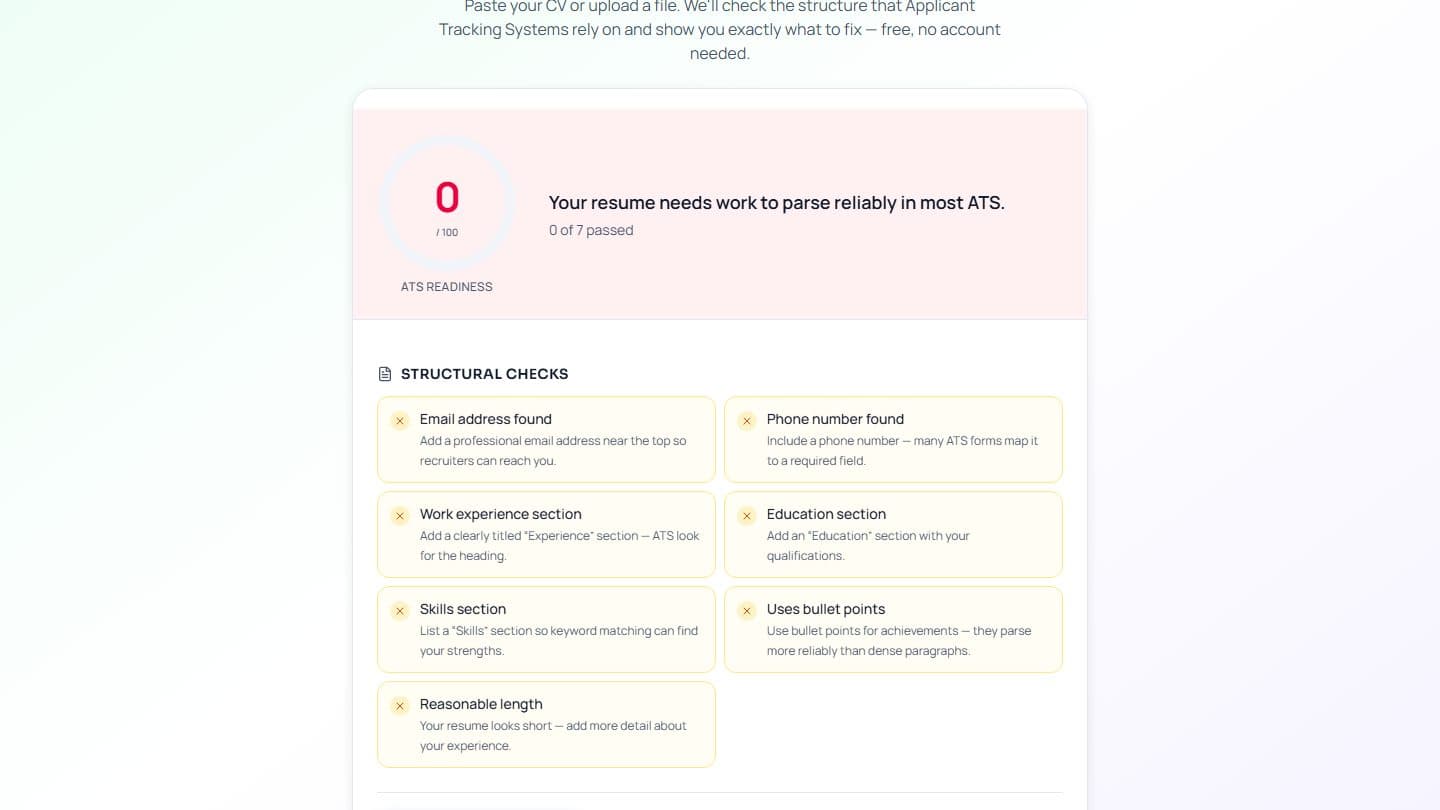
You don't have to guess which of these is hurting you. Upload your CV and get an instant compatibility score, with the specific issues named:
Most people find at least two of the five above on their first run. Fixing them takes an afternoon — and it's usually the difference between silence and an interview.