7 Resume Mistakes That Get Tech Candidates Rejected by ATS Before a Human Sees It
Most tech resumes are filtered out by software, not people. Here are the seven formatting and content mistakes that trigger an automatic rejection — and the fix for each.
- ATS
- Resume Mistakes
- Tech Careers
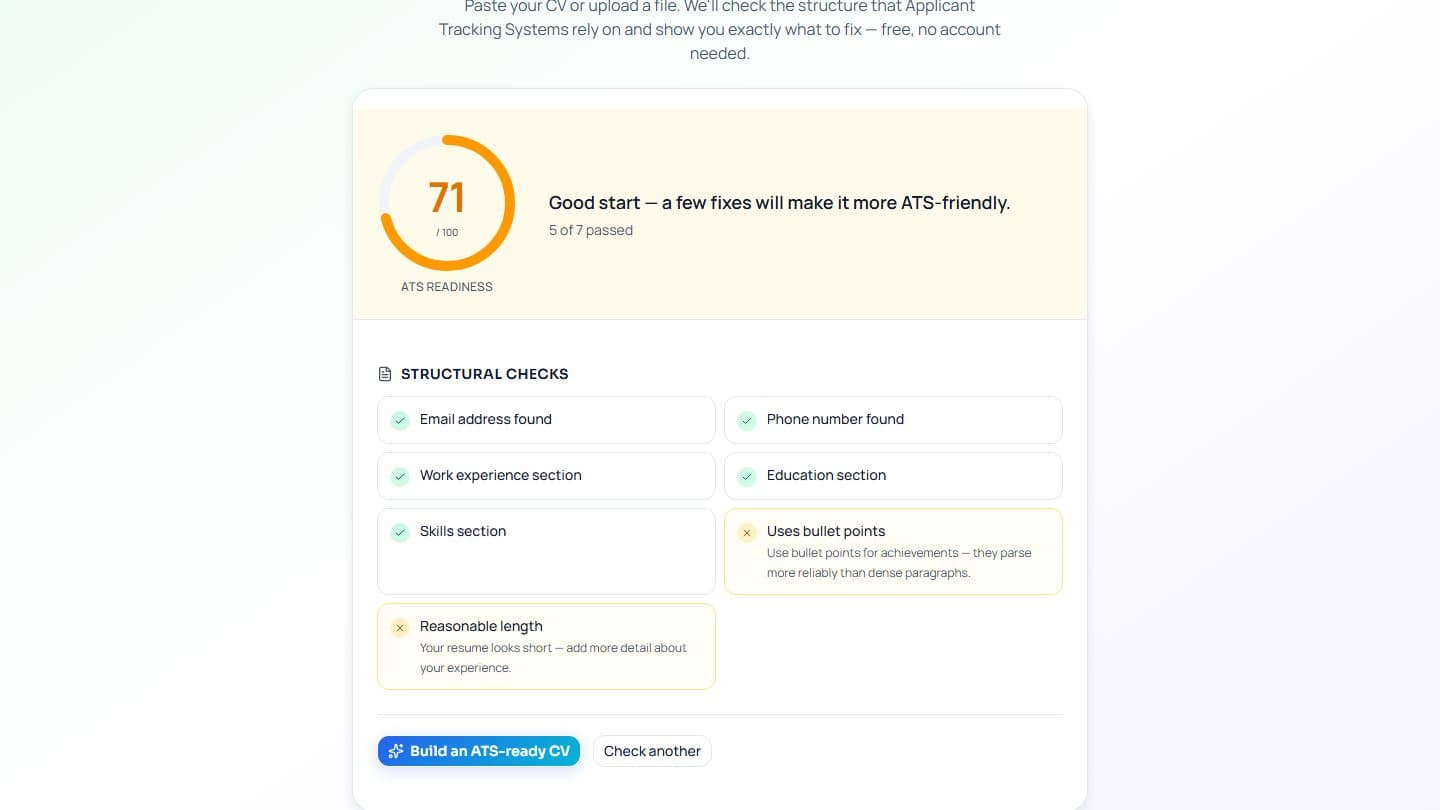
You have the stack, the projects, and the years — and still no callback. Before you blame the market, consider the more likely culprit: an Applicant Tracking System (ATS) rejected your resume before a recruiter ever opened it. For tech roles especially, where a single posting can draw hundreds of applicants, the software does the first cut.
An ATS parses your resume into structured data and scores it against the job description. If the parser trips, you're not scored low — you're scored on garbage. Here are the seven mistakes that quietly get strong tech candidates filtered out, and how to fix each one.
1. Multi-column and table layouts confuse the parser

That sleek two-column template — skills on the left, experience on the right — looks sharp to you and reads as scrambled text to the machine. The parser scans left to right, so your sidebar gets interleaved into your job history mid-sentence. Tables and text boxes are worse: their contents are often skipped entirely.
Fix: single column, top to bottom, no tables or text boxes. Boring beats invisible.
2. Your contact details are in the header or footer

Many parsers ignore document headers and footers completely. If your name, email, phone, and GitHub URL live up in the header band of a designer template, they can silently vanish — leaving a resume that scores well but nobody can actually contact.
Fix: put contact details in the body of the document, as plain, selectable text.
3. Skills as a graphic — and non-standard section headings

Star ratings, progress bars, and skill wheels contain zero readable text. The parser sees an image and moves on, hiding your most keyword-rich section. The same goes for creative headings: label a section "Where I've Made an Impact" and the ATS won't recognize it as your experience.
Fix: write skills as a plain comma-separated list — "Python, Kubernetes, Terraform, PostgreSQL" beats any bar chart. Use conventional headings the parser knows: Experience, Skills, Education, Projects.
4. You didn't mirror the job description's keywords

ATS scoring is largely overlap-based. If the posting asks for "CI/CD" and "cloud infrastructure" but your resume says "build automation" and "server architecture," you're describing the same work in words the system won't match — and your score drops for skills you actually have.
Fix: reuse the posting's own vocabulary, honestly, for things you've genuinely done. Name the concrete stack, and include both the acronym and its expansion once: "CI/CD (continuous integration and deployment)." That's matching, not stuffing.
5. You sent the wrong kind of file

Some older systems mangle DOCX. Others choke on a PDF that's really an image — common when you export from a design tool or, worse, upload a scan of a printed copy. That file contains no selectable text at all, so the parser extracts nothing.
Fix: submit a PDF with real, selectable text. Quick test — try highlighting a line in your resume. If you can't select it, neither can the ATS.
6. Dense walls of text with no quantified impact

Even when it parses, a resume that survives the machine still has to survive the six-second human skim. Long paragraphs with no numbers give the recruiter nothing to grab onto. Compare "Worked on the checkout service to improve performance" with:
Cut checkout API p95 latency from 800ms to 210ms by adding a read-through cache, serving 1.2M requests/day.
Fix: one-line bullets that start with a verb and end with a number — latency, requests, users, cost, percentage.
7. Unexplained gaps that leave the reader guessing

An ATS doesn't reject you for a gap, but a recruiter reading a filtered-in resume might pause on a blank 18-month stretch. Silence invites the wrong assumption.
Fix: a one-line, honest note — "Career break — open-source contributions and AWS certification" — closes the loop without over-explaining. Keep dates consistent (MMM YYYY) so the parser reads your timeline correctly.
Check all seven in one pass

You don't have to guess which of these is costing you interviews. iTrechHub's ATS checker scores your resume and names the exact issues — layout, missing keywords, unparseable sections — so you can fix them before you apply. Every template in the gallery is single-column and ATS-safe by default, and the AI rewrite turns flat bullets into quantified, keyword-matched lines that read well to both the parser and the human. Get the structure right, and your experience finally does the talking.