How to Write an ATS-Friendly Resume as a Software Engineer
A practical guide to getting your software engineering resume past Applicant Tracking Systems — structure, keywords, and the formatting mistakes that quietly sink great candidates.
- ATS
- Resumes
- Software Engineering
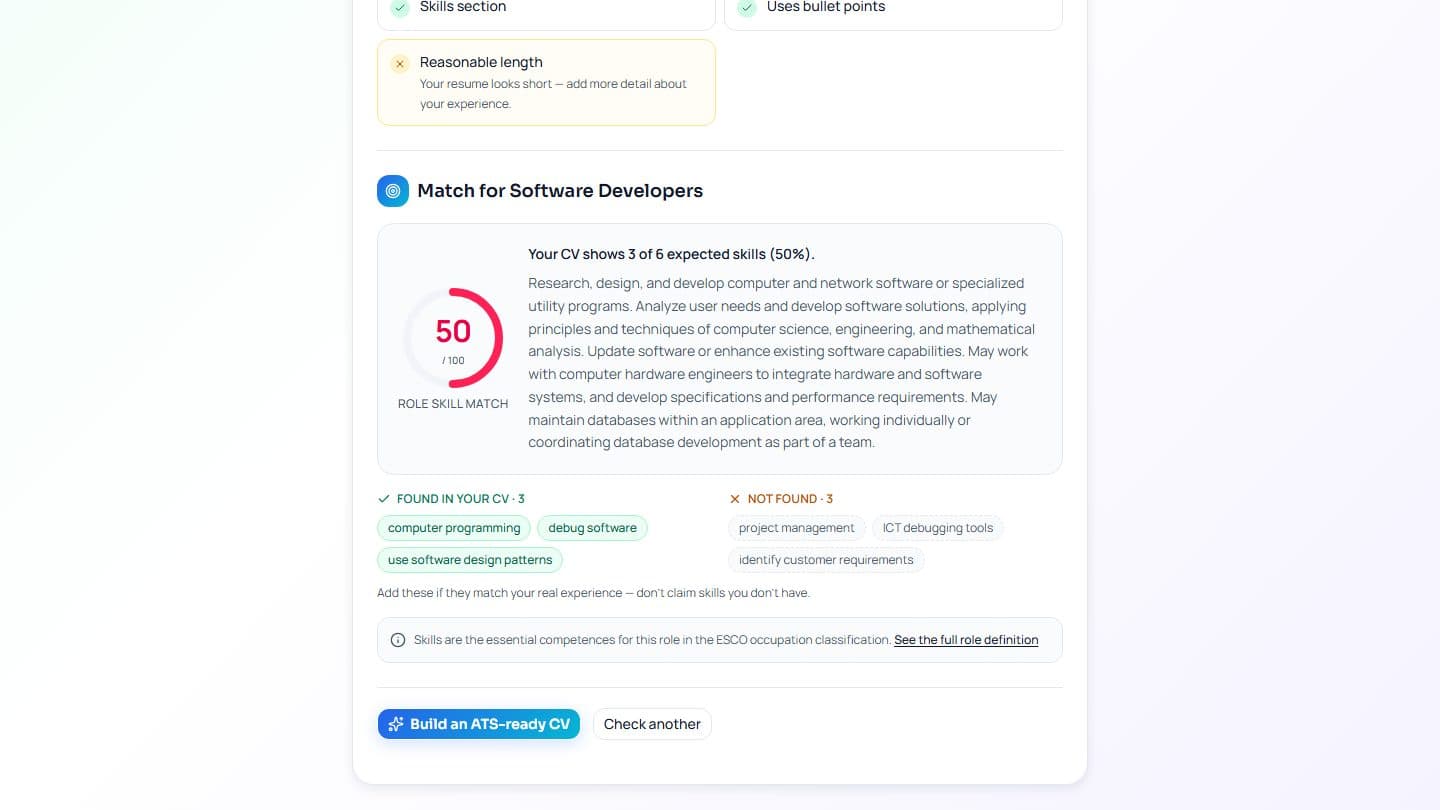
Most software engineering resumes are never read by a human first. They are read by an Applicant Tracking System (ATS) — software that parses your resume into structured fields, scores it against the job description, and decides whether a recruiter ever sees it. If the parser trips on your layout, even a strong candidate can be filtered out before anyone notices.
This guide covers what actually matters for getting parsed cleanly and ranked well.
Why ATS parsing fails

Parsers read text, not pictures. The usual culprits are all about layout, not content:
- Multi-column layouts. The parser reads left-to-right, top-to-bottom, and interleaves your two columns into nonsense.
- Tables and text boxes. Content inside them is often skipped entirely.
- Headers and footers. Many parsers ignore them — so your contact details vanish.
- Images and icons. A skills section drawn as a bar chart contains zero readable text.
The fix is boring and effective: a single-column layout with real, selectable text.
Structure that parses cleanly

Use conventional section headings the parser recognizes. In order:
- Contact information — name, email, phone, city, and your GitHub/portfolio URL as plain text.
- Professional summary — two or three lines, not a paragraph of adjectives.
- Experience — reverse-chronological, each role with company, title, dates, and bullet points.
- Skills — a plain, comma-separated or bulleted list of technologies.
- Education and Projects.
Keep each bullet to one line where you can, and start it with a verb.
Keywords: mirror the job description

An ATS scores you on overlap with the job description. That does not mean keyword-stuffing — it means using the same words the posting uses:
- If the role says "React," write "React," not only "front-end framework."
- Name the concrete stack: languages, frameworks, databases, cloud, and tools.
- Include both the acronym and the expansion once — "CI/CD (continuous integration and deployment)."
Write for the human too: every keyword should sit inside a real, truthful accomplishment.
Quantify your impact

Parsers extract text, but recruiters skim for numbers. Compare:
Worked on the checkout service to improve performance.
versus
Cut checkout API p95 latency from 800ms to 210ms by adding a read-through cache, serving 1.2M requests/day.
The second line survives both the parser and the six-second human skim.
A quick pre-submit checklist

- Single column, no tables, no text boxes.
- Contact details in the body, not the header.
- Real text — nothing important lives inside an image.
- File saved as a text-based PDF, not a scan or export-to-image.
- Keywords from the posting, used honestly.
Get the structure right and the content does the rest. iTrechHub's templates are single-column and ATS-safe by default, and the built-in checker flags parsing problems before you apply — so the version a recruiter sees is the version you actually wrote.